Page content

( Client work — UX/UI · Shipped ) · WeQuote · 2023

SNAGG

A field app that turns “can you just…” into billable, approved work.

Rui Soares Mendes — Lead UX/UI Designer & Brand Strategist · WeQuote, Manchester

( Fact sheet )

A full-time contract
to finish the product and launch it.

I joined WeQuote in Manchester as Lead UX/UI Designer & Brand Strategist. I redesigned the desktop platform and the SNAGG mobile app for field engineers, built the design system in Figma, ran user testing and finalised the UI for launch.

Client WeQuote · Sector B2B SaaS · Year 2023 · Engagement Full-time contract · Location Manchester, UK · Status Shipped — App Store & Google Play

UX/UI · Brand strategy · Design system (Figma) · User testing · Desktop & mobile

( 01 Brief & direction )

Extra work was slipping
through the cracks.

Engineers snagged defects on paper, shared photos in chat groups and priced extras in spreadsheets. Unplanned requests often went unbilled, and the app had to work with gloves, glare and no signal.

01 Capture an extra on site in seconds · 02 Quote it with cost and margin visible · 03 Track every hour against the job

What the audit showed

72h

for a snag to reach the estimator

14%

gap between quotes and invoices

14

critical usability blockers

( 02 User journeys )

From five tools
to one flow in the field.

Before — every hand-off re-keyed

Paper snag

Photos in chat

Catalogue lookup

Spreadsheet quote

Timesheet chase

After — captured once, carried through

01 Snag & mark up

02 Create an Extra

03 Link to project

04 Quote with margin

05 Accept & track time

( 02 User journeys — flow 1 )

Snag it, circle it,
save the proof.

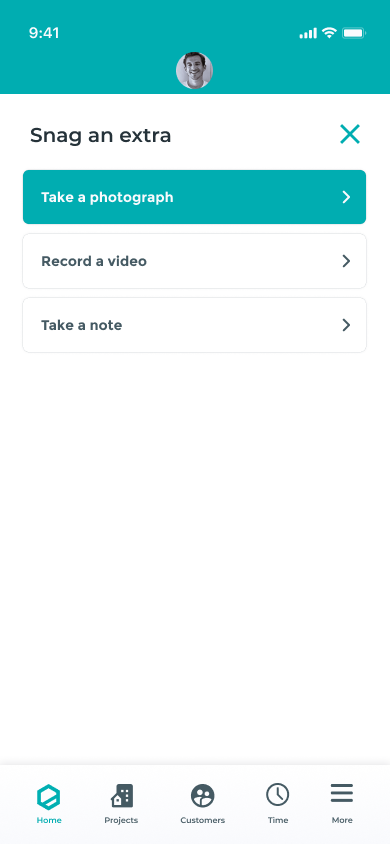
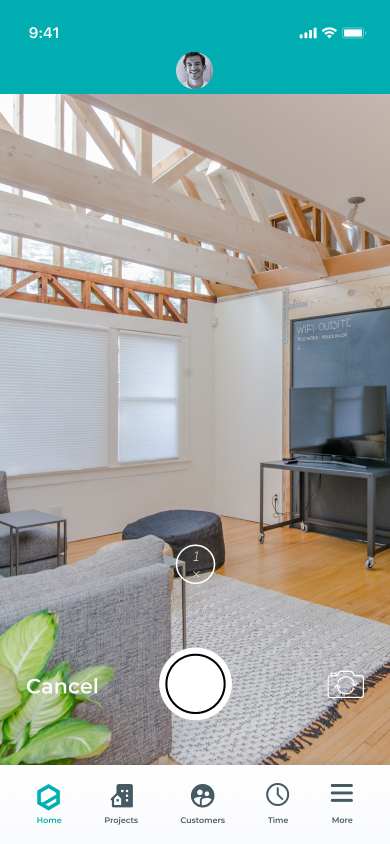
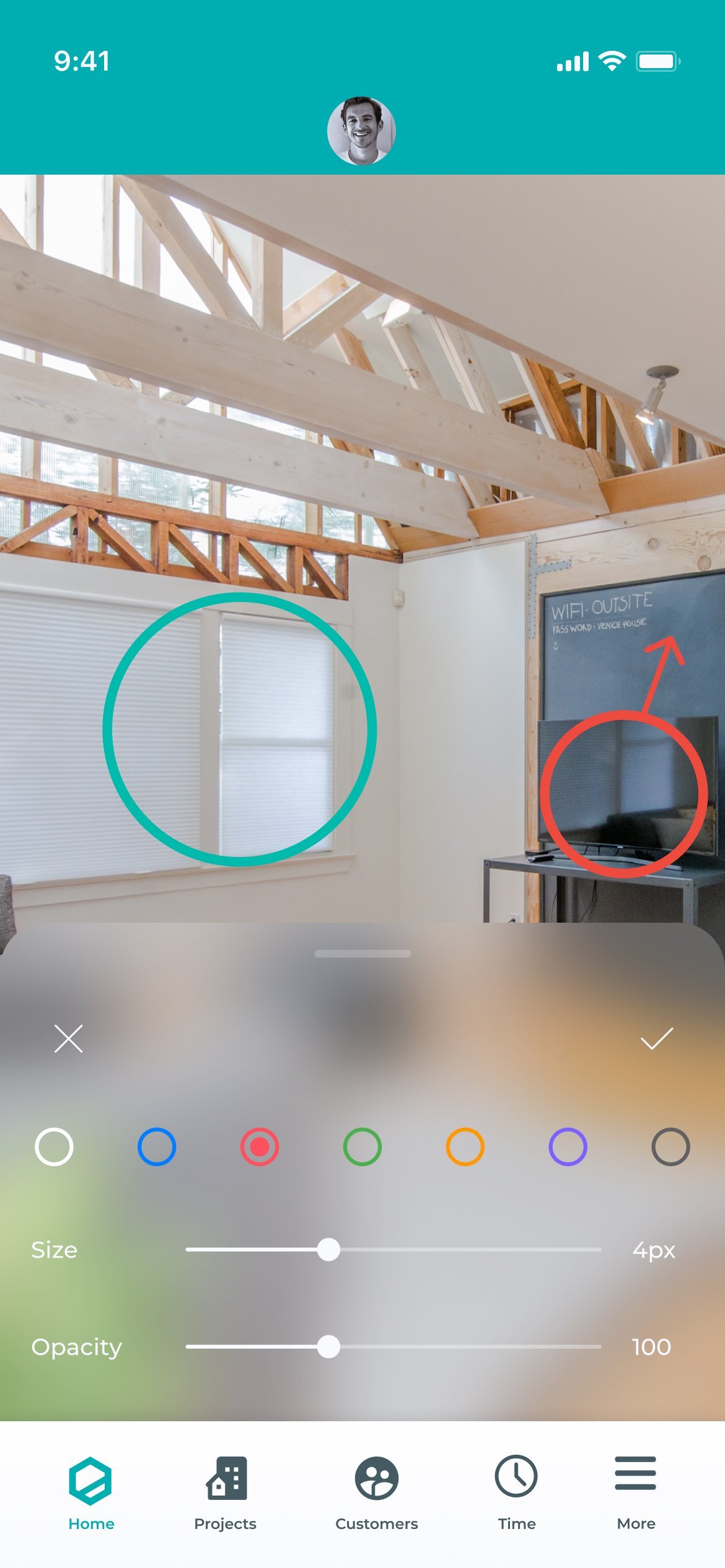
Photo, video or note, then mark the issue on the image instead of typing a description.

01 Choose input

02 Capture

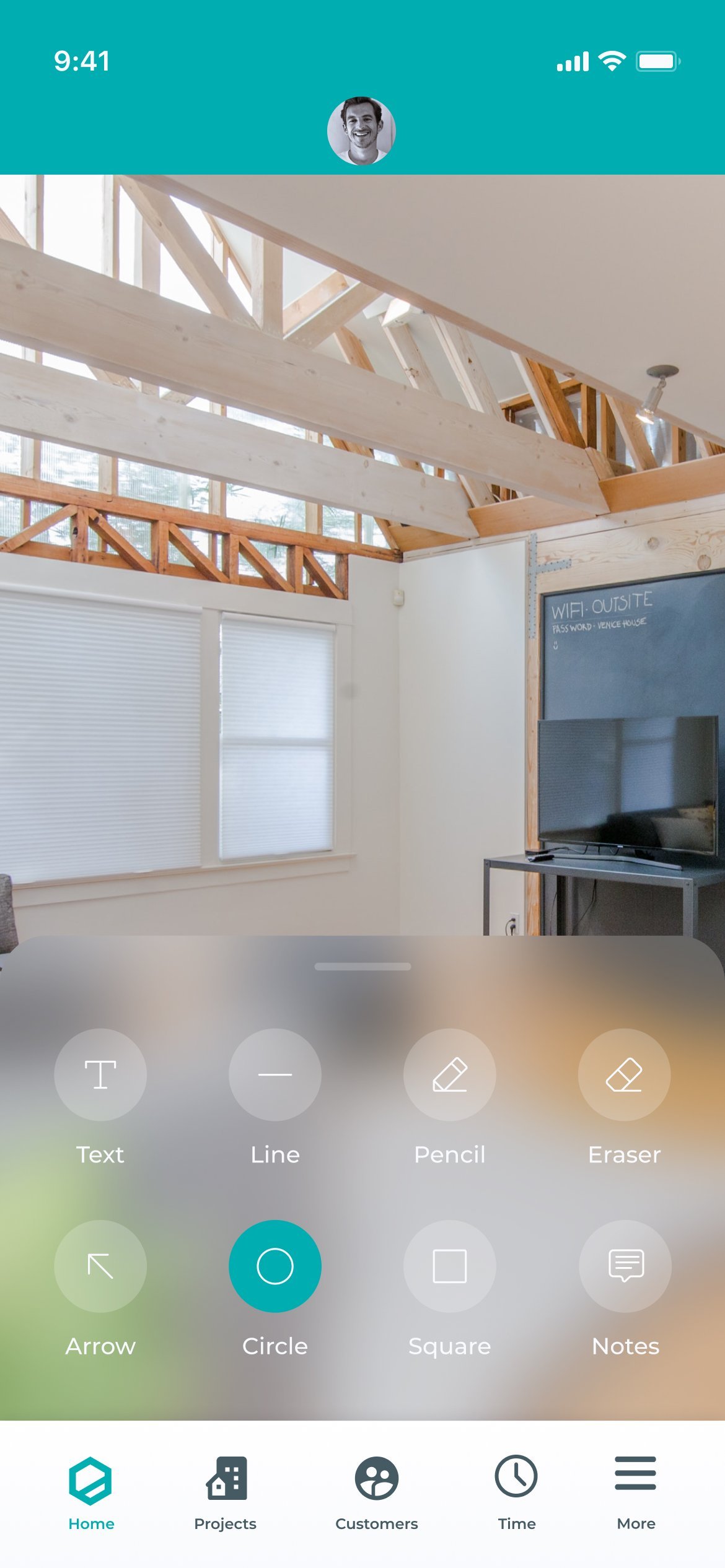
03 Pick a tool

04 Colour & stroke

05 Save

Craft detail — one bottom sheet, every markup tool

8 tools in a 2 × 4 grid

7 colours, size and opacity sliders

Built as one Figma component with variants

( 02 User journeys — flow 2 )

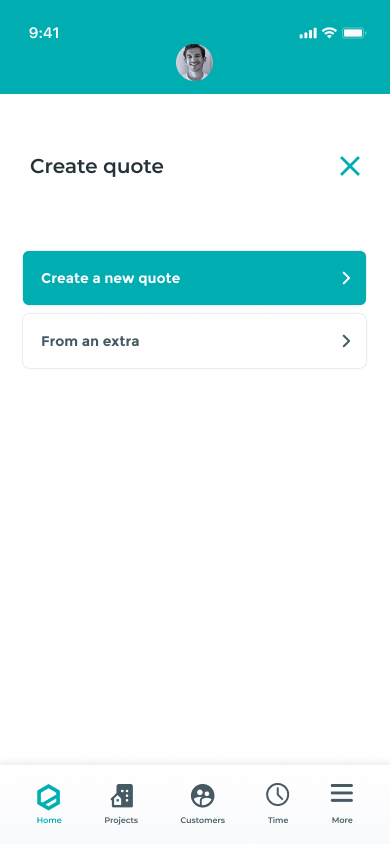
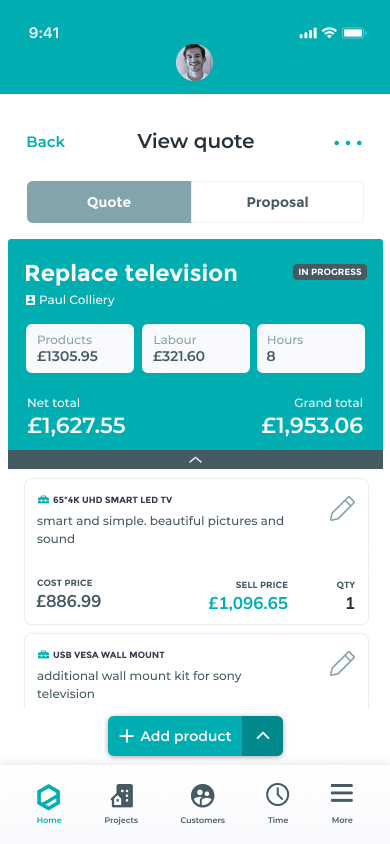
Every Extra quoted
with its margin.

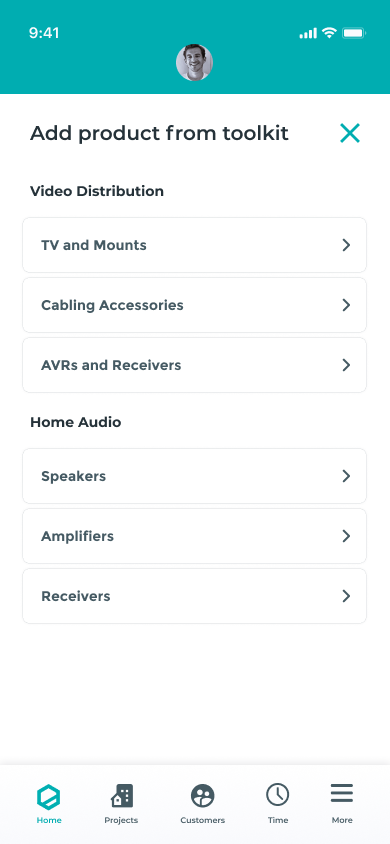
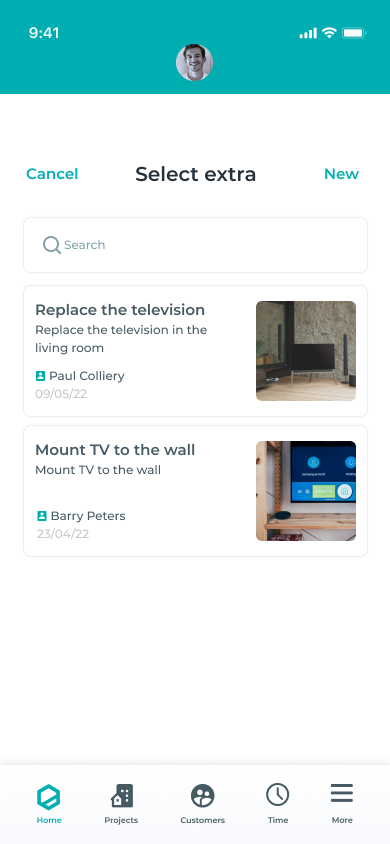
Products from the AV toolkit and labour both carry cost and sell price, so margin is visible before the client sees a number.

01 Start from an Extra

02 AV toolkit

03 Cost vs sell

04 Accepted

Status

In progress → Sent → Accepted

( 02 User journeys — flow 3 )

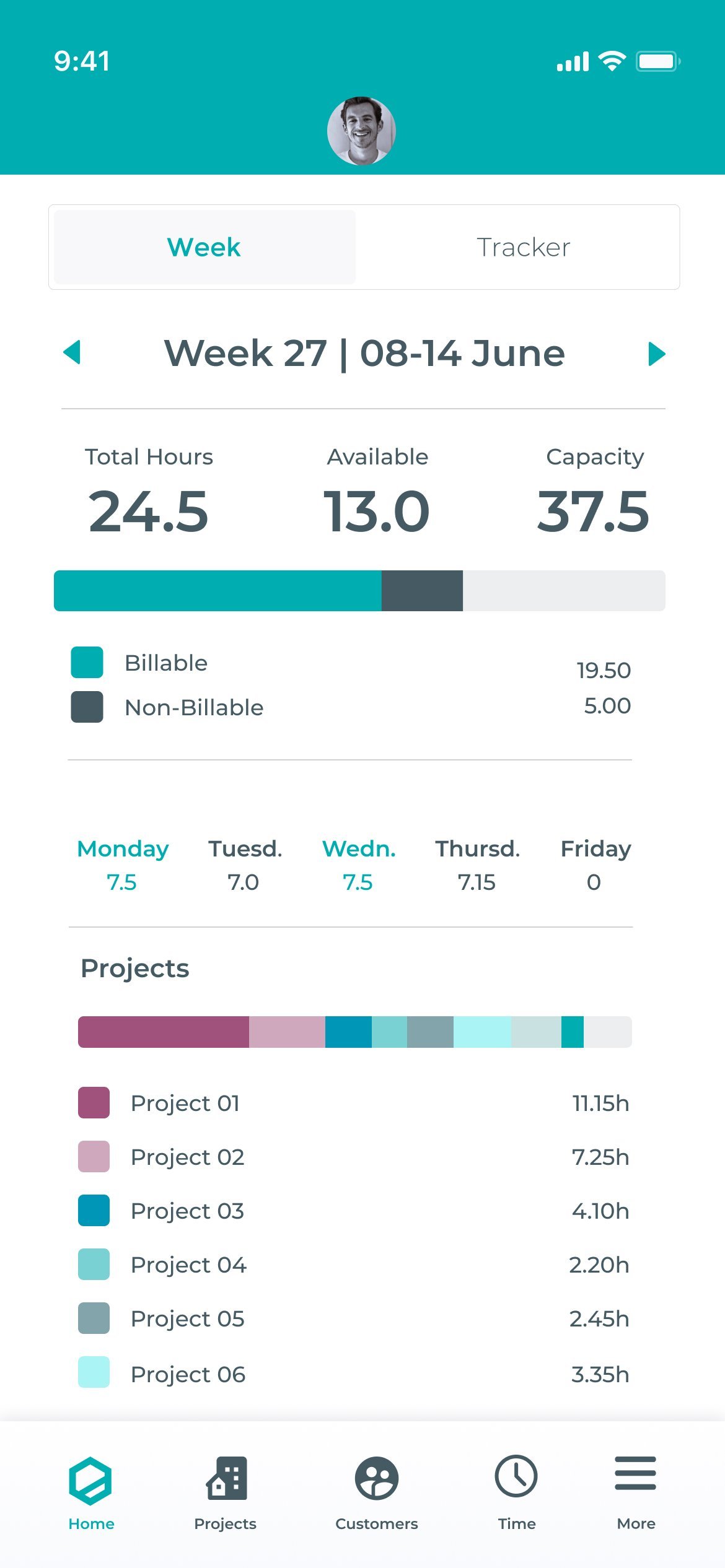
Time and profitability,
logged as the work happens.

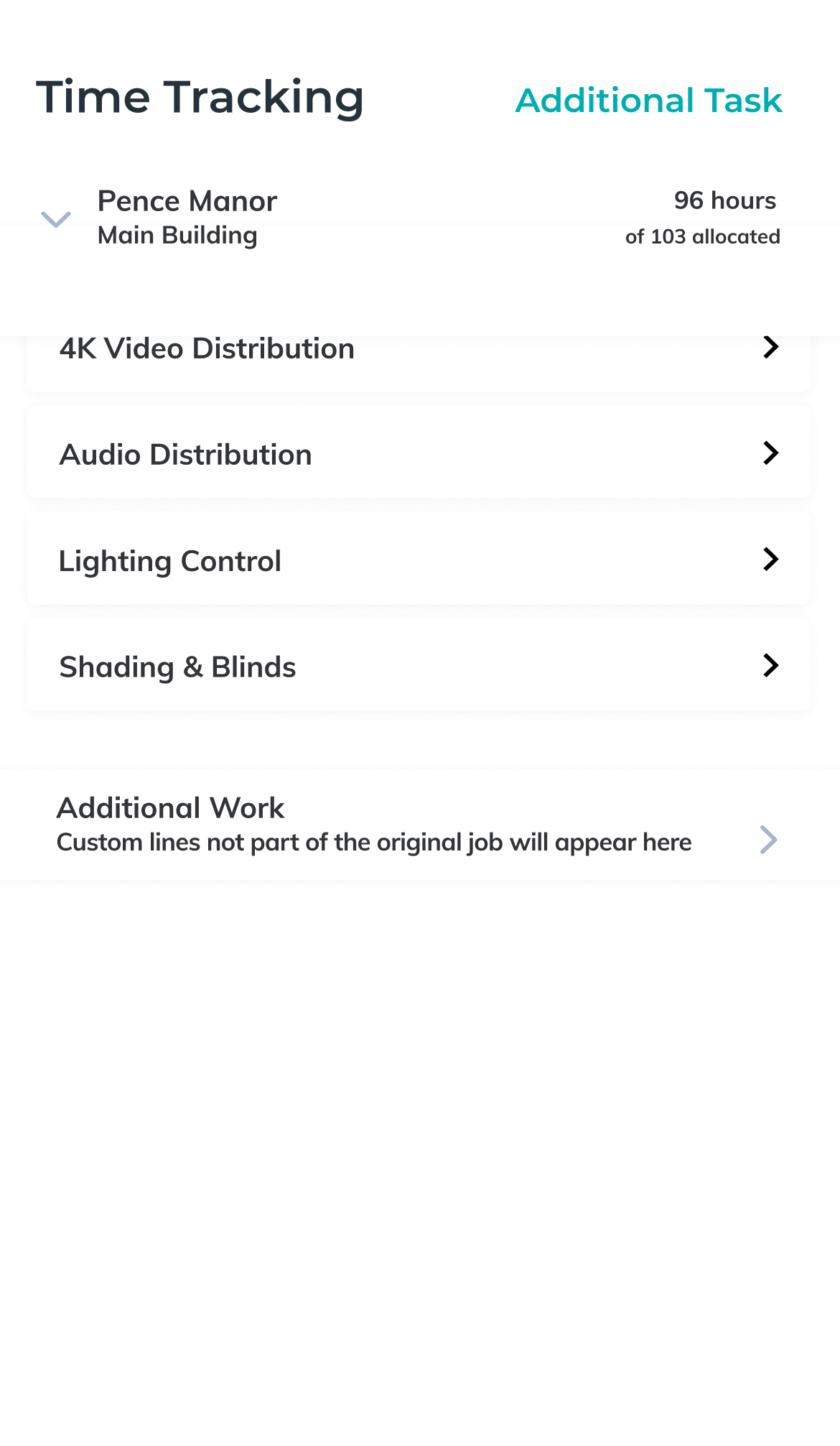
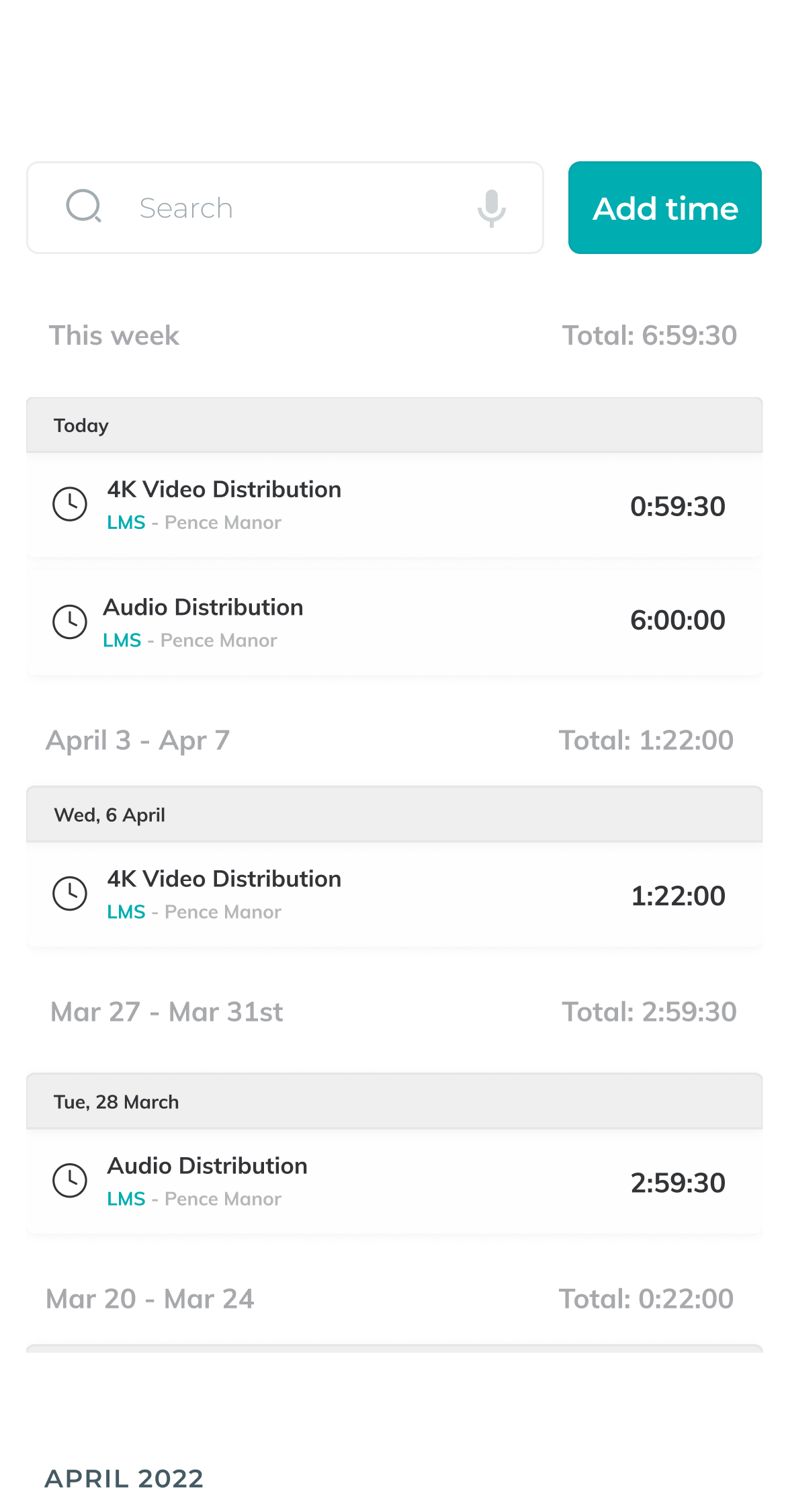
Engineers log hours against allocated tasks; managers see billable time against weekly capacity.

01 Week

02 Tracker

03 Allocated tasks

04 Entries

Shown

Billable / Non-billable / Additional work

( 03 Design rules )

A small system
built for gloves and glare.

Colour

#17A9B1

#0B7A80

#8E3F6C

#2A3437

#F7F9F9

Type — Montserrat

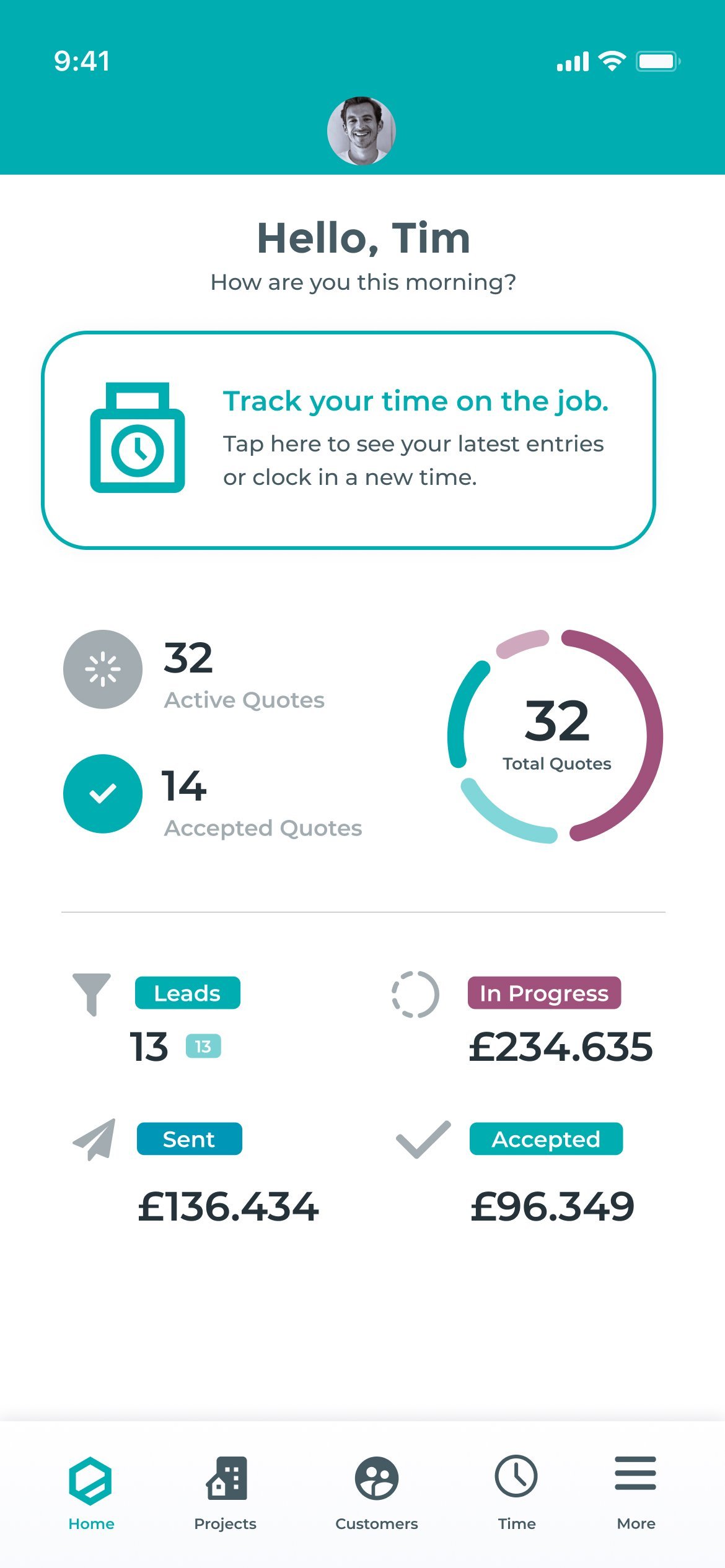
Hello, Tim · £1,953.06 · Track your time on the job.

Components — status pills

NOT QUOTED

QUOTED

SENT

ACCEPTED

PAID

States & ergonomics

48px minimum targets for gloved hands. Thumb-arc bottom bar with five anchors. Clear empty, offline and pending-sync states.

( 04 Rollout )

Key screens,
one consistent language.

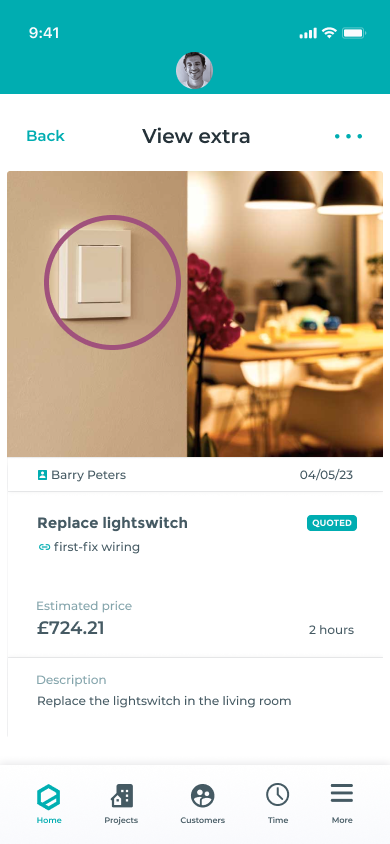
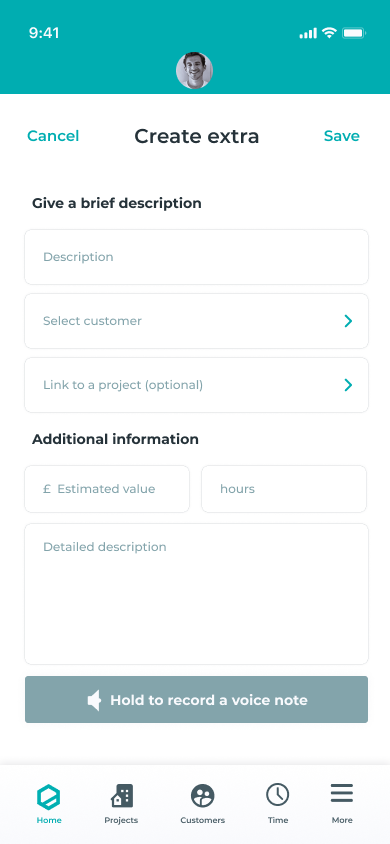
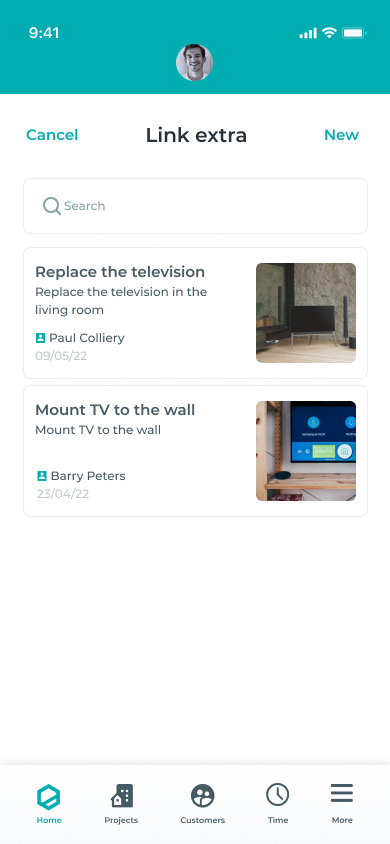
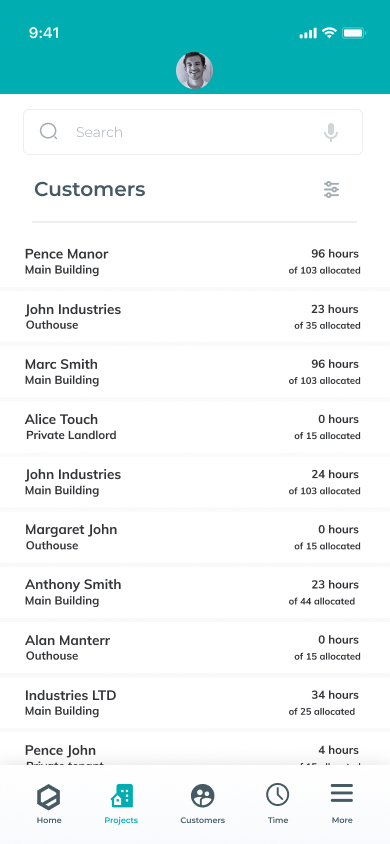
The app for iOS and Android shares one Figma system with the redesigned desktop platform: the same cards, pills and status language.

Home

Extras

View extra

Create extra

Link extra

Customers

( 04 Rollout — iterations )

Three takes
on the project list.

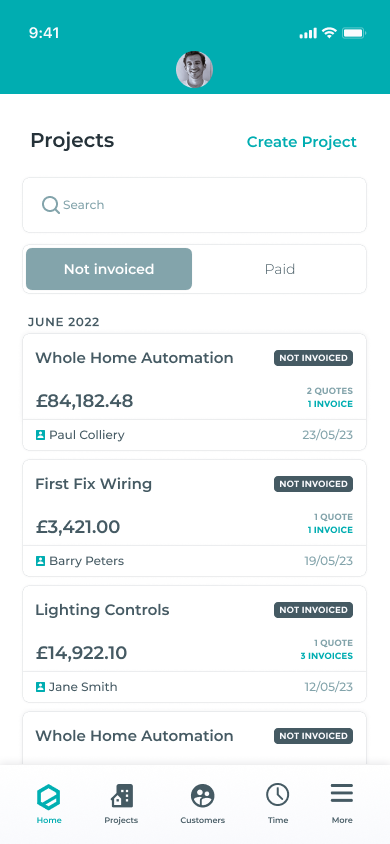
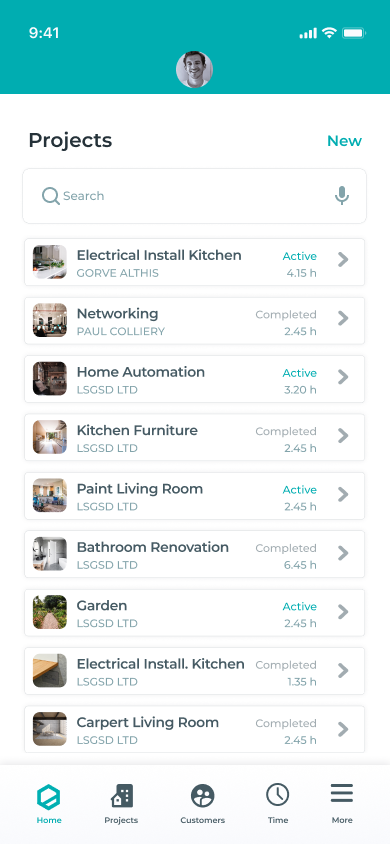
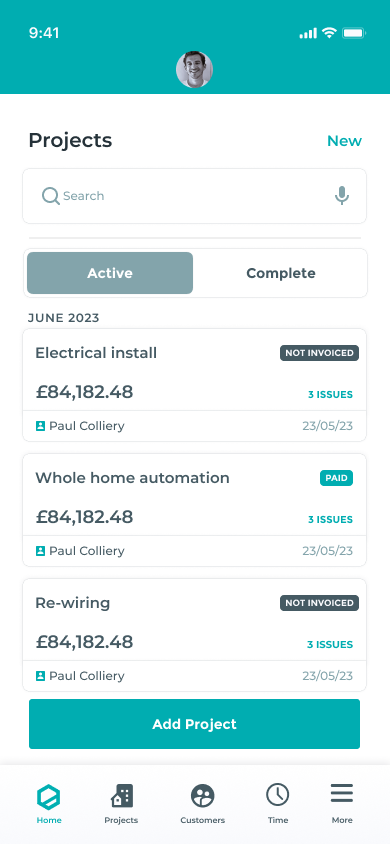
Directions I explored in Figma, each answering a different question people bring to the list.

A — Has it been invoiced?

B — Which site is this?

C — What’s still open?

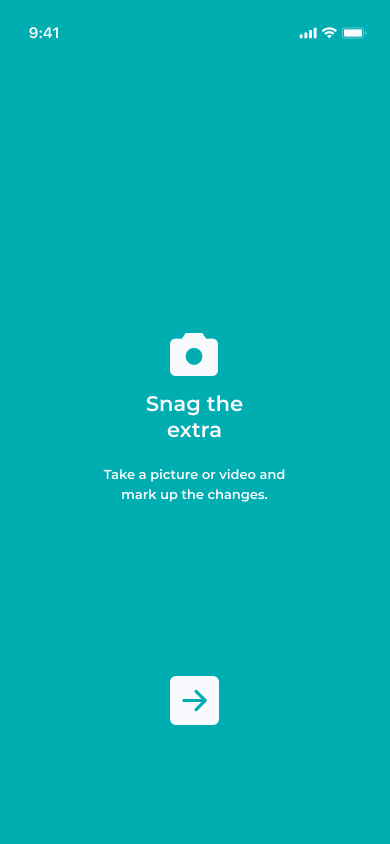
( 04 Rollout — onboarding )

First run,
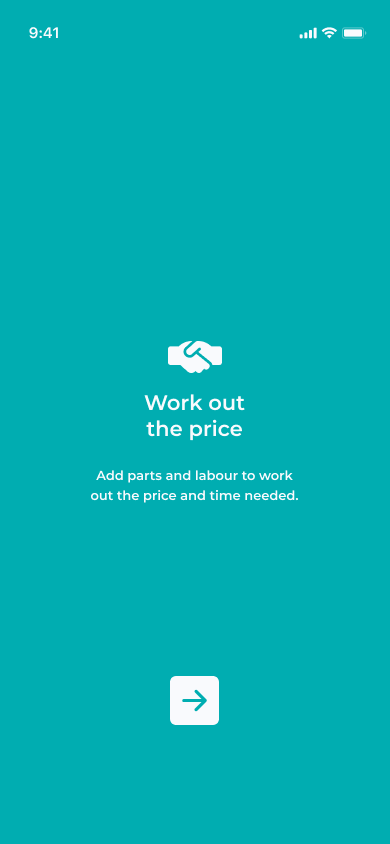
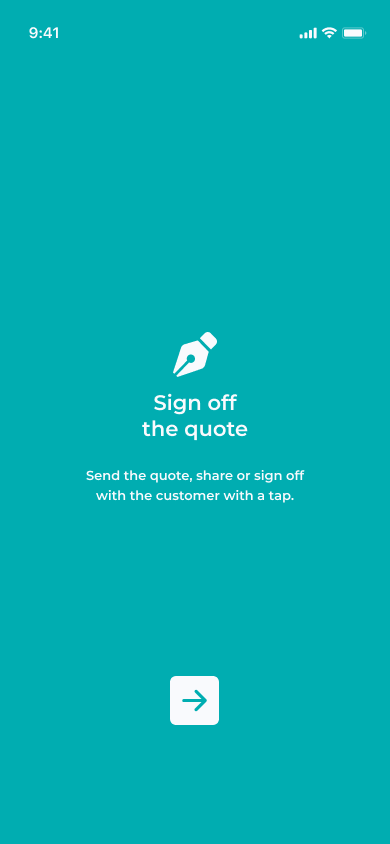
from install to the first snag.

( 05 Evaluation )

I tested where
the work actually happens.

94%

first-time task completion, without training, in scenario-based tests with 12 field technicians.

What I changed after testing

01 Bigger targets — Gloves missed small buttons, so every target became 48px minimum.

02 Clearer icons — Icons were refined and labelled for quicker recognition.

03 Sunlight contrast — Status pills and key figures moved to solid, high-contrast fills.

( 06 Handoff )

Ready to build,
with nothing left to guess.

01

Tokenised system

Spacing, type, radii and semantic colours.

02

SVG icon set

Exported for React Native and Flutter.

03

Markup canvas specs

Interaction specs for drawing on photos.

04

Test documentation

Scenarios and the usability report.

05

Edge cases

Offline mode, slow uploads, empty states and camera permission — designed, not left to chance.

( Outcome )

Shipped on the App Store
and Google Play.

70%

less time to turn a snag into a quote

94%

first-time task completion

85%

fewer client disputes, with photo proof

100%

of specs and tokens approved at handoff

Contractors pointed to ease of use and visual snagging as the reasons they adopted it.

( 2026 refresh — concept )

What I would change today,
and why.

01

One Snag button

Capture first, sort later: a single action from every screen.

02

Voice to Extra

AI drafts the description and lines from a voice note; the engineer confirms.

03

Sunlight mode

A high-contrast theme for outdoor work.

04

Margin on the list

Show each Extra’s margin before you open it.

Concept · not shipped

( Thank you )

Got a product that has to work
in the real world? Let's talk.